



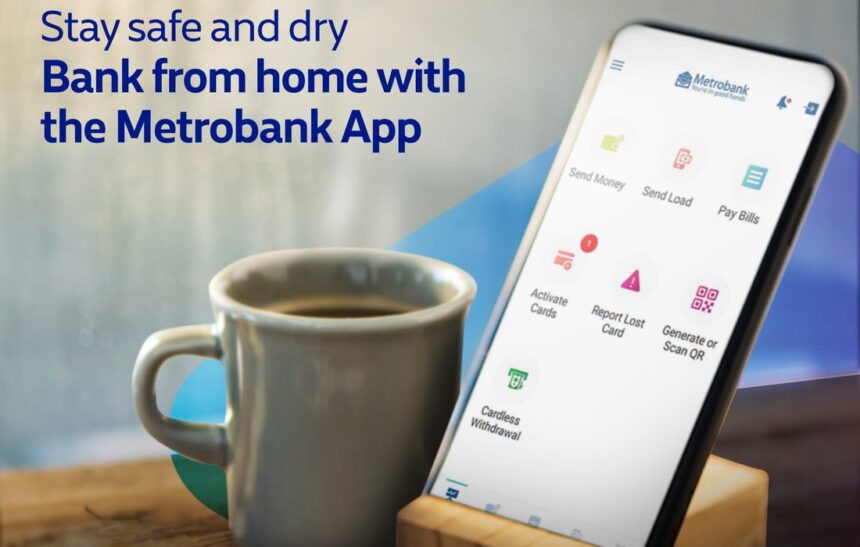
Managing your money just got a whole lot easier. Metrobank has enhanced its mobile app with new Metrobank App investment features, giving customers a seamless way to invest, track their portfolios, and handle everyday banking needs — all from a single platform. Whether you are just starting your investment journey or looking to diversify further, the updated app now has the tools to help you grow your money with confidence.
Invest in 25+ UITFs Through UITF Online
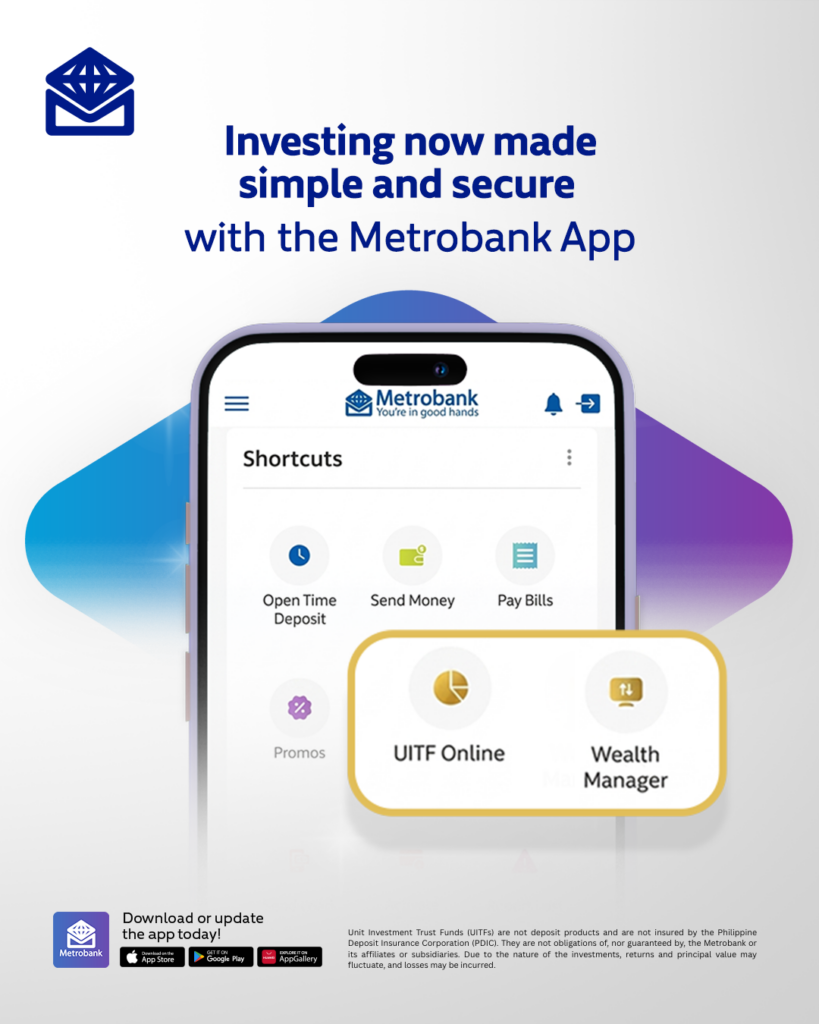
Building a diversified portfolio is now more accessible through UITF Online on the Metrobank App. Metrobank offers more than 25 Unit Investment Trust Funds (UITFs) across different asset classes and currencies — making it easier to find options that match your investment goals and risk profile.
Through UITF Online, you can invest in peso- and dollar-denominated UITFs, monitor your portfolio, redeem your investments, and download your statement of account — all within the app. You can start investing for as low as PHP 1,000, depending on the fund. Note that the UITFs available to you depend on the currency of your enrolled Metrobank savings account.
How to Start Investing in UITFs via the Metrobank App
Getting started with UITF Online takes just a few steps:
- Open the Metrobank App and log in to your account.
- Tap the menu in the upper-left corner and select “UITF Online.” Tap “Get Started.”
- Watch the UITF educational video and complete the required information.
- Take the Suitability Assessment to determine your risk profile.
- Assign a Settlement Account and start building your portfolio.
Already a UITF Online user? Your existing UITF account automatically appears in the app.
Existing UITF investor but not yet enrolled in UITF Online? Simply enroll the settlement account linked to your UITF investment account to get access.
Grow Your Wealth With Wealth Manager
For those looking to go further, Wealth Manager is also accessible through the Metrobank App. Through this feature, you can directly buy and sell government bonds in the secondary market, view your total investment portfolio, connect with your Wealth Specialist, and access timely market insights through Wealth Insights — Metrobank’s online resource for market and economic information.
How to Access Wealth Manager
Setting up Wealth Manager is straightforward:
- Open the Metrobank App and log in to your account.
- Select “Wealth Manager” from the Menu or Shortcuts section. Tap “Enroll Now.”
- Tap “Proceed.” Existing clients enter their Investment ID. New clients tap “Sign Up.”
- Designate a Settlement Account and accept the Terms and Conditions.
- Enter your MBO passcode and tap “Confirm.”
- Check your email within 24 hours — excluding weekends and holidays — to confirm your application status and start investing.
Why This Update Matters
By combining investment and wealth management tools with everyday banking, Metrobank makes it easier to manage more of your financial needs in one place. Furthermore, with accessible entry points and powerful insights built into the app, Metrobank empowers every customer — from first-time investors to seasoned ones — to invest with confidence today and secure their tomorrow.
To access these new features, update to the latest version of the Metrobank App. It is available on the App Store, Google Play, and Huawei AppGallery.
For more updates, visit metrobank.com.ph or follow @Metrobank on Facebook, X, Instagram, and TikTok.